Hardware safety review
Vexora Ninebot: Browser Client Guide for Segway Scooters
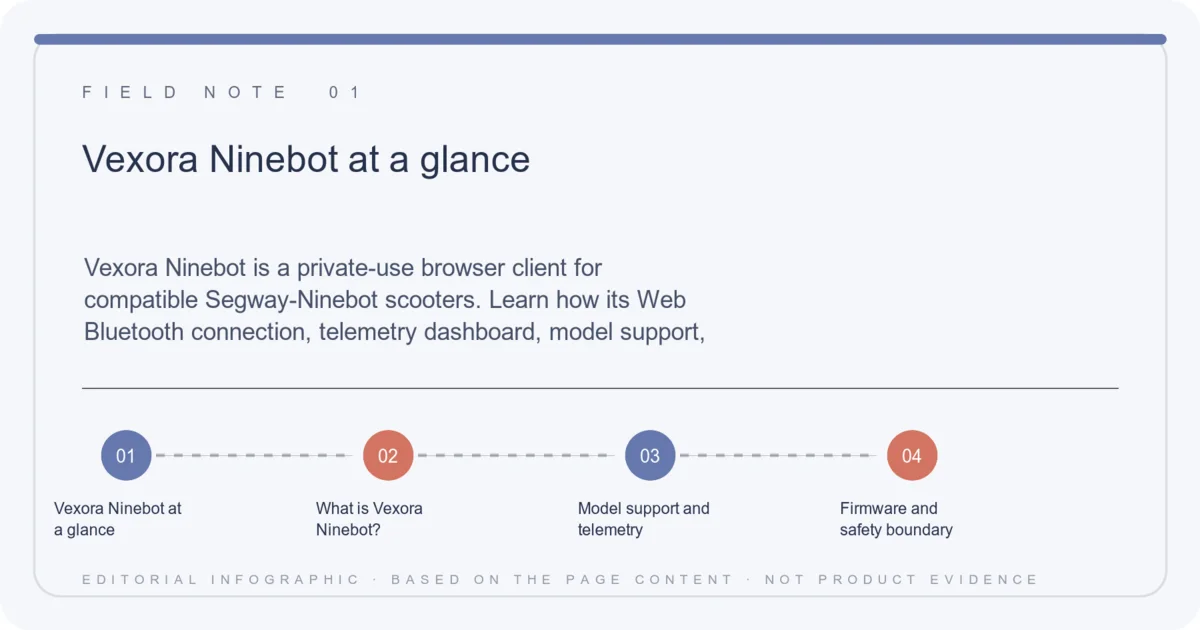
Vexora Ninebot is a private-use browser client for compatible Segway-Ninebot scooters. Learn how its Web Bluetooth connection, telemetry dashboard, model support, demo mode, and firmware-risk warnings fit together.
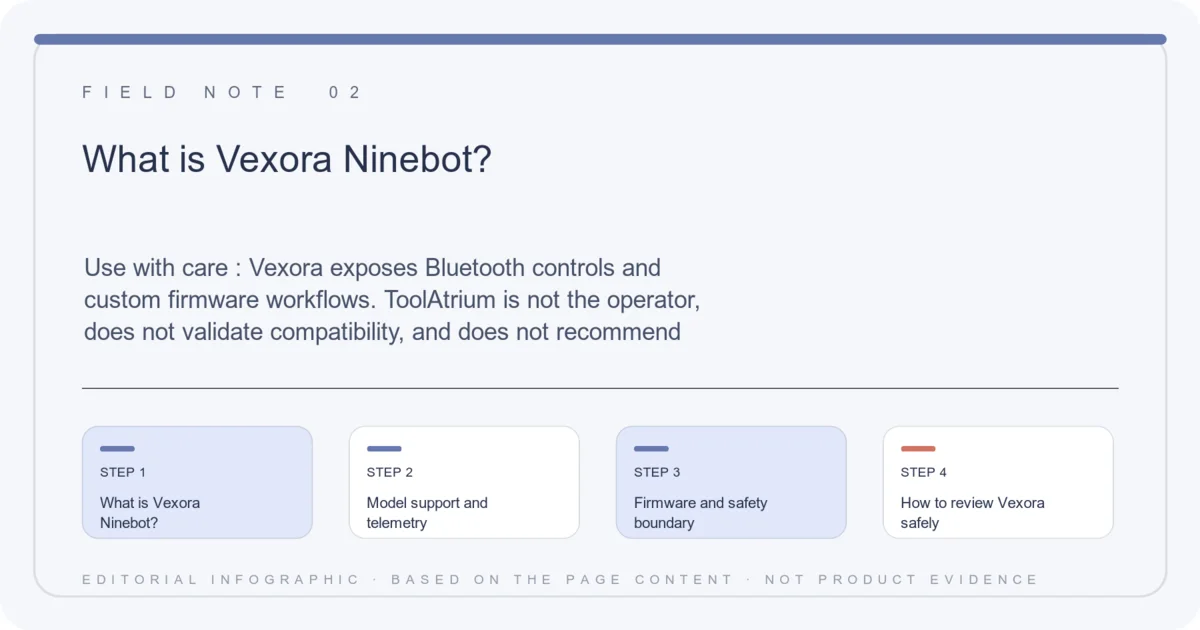
Use with care: Vexora exposes Bluetooth controls and custom firmware workflows. ToolAtrium is not the operator, does not validate compatibility, and does not recommend flashing a scooter without a verified backup and model-specific documentation.
Vexora Ninebot at a glance
- Access
- Chrome or Edge with Web Bluetooth
- Models
- Selected Max, ZT3 Pro, F3, E3, and GT3 variants
- Views
- HUD, trip computer, battery, cells, and temperatures
- Modes
- Connect, reconnect, any BLE, and demo mode
- Risk
- Custom BLE and firmware changes are at your own risk
Quick verdict
Vexora is best understood as an enthusiast telemetry and tuning console, not an official Ninebot service portal. Use demo mode first, verify the scooter model, and stop before any firmware action you cannot reverse.
What is Vexora Ninebot?
Vexora is a browser-based client for Segway-Ninebot scooters. The public interface identifies itself as private-use software and opens with Connect, Reconnect, Any BLE, and Demo controls rather than a conventional account or checkout flow.
The dashboard is designed to surface speed, power, trip distance, battery percentage, range, voltage, current, VCU and motor temperatures, peak power, and battery-pack health fields when a compatible BLE connection is available.
Model support and telemetry
The model picker names Max G3, ZT3 Pro, F3/F3 Pro, E3/E3 Pro, GT3, and GT3 Pro variants. The page also describes custom BLE payloads for selected G3 and F3 models, which are built in Vexora Studio before being flashed to an unlocked BLE stack.
Web Bluetooth support depends on the browser, operating system, permissions, scooter firmware, and exact hardware revision. A listed model is not proof that every regional variant will connect or expose every metric.
- Start with Demo mode when you are learning the interface.
- Use Chrome or Edge with Web Bluetooth enabled.
- Confirm the exact model and firmware before connecting.
- Export or record telemetry only after checking that the data is yours.
Firmware and safety boundary
The page explicitly warns that custom BLE is for models with an unlocked BLE stack and that flashing is at the user’s own risk. A failed or mismatched firmware operation can disable a controller, void a warranty, create a safety issue, or make a scooter illegal to operate in a local context.
ToolAtrium did not audit the firmware payloads, Vexora Studio, controller safeguards, or recovery process. Keep the scooter stationary, follow manufacturer and local rules, and do not use a browser tuning panel as a substitute for a qualified technician.
Vexora Ninebot FAQ
Is Vexora an official Segway app?
The reviewed page presents Vexora as a private-use browser client; ToolAtrium found no verified official Segway affiliation.
Which browser does it need?
The interface directs users to Chrome or Edge with Web Bluetooth.
Can it show battery and motor data?
The dashboard includes fields for battery, range, voltage, current, VCU temperature, motor temperature, and power when data is available.
Is flashing safe?
The page says custom BLE flashing is at your own risk. Compatibility and recovery were not independently verified.
Continue on ToolAtrium