Shareable message guide
Gacha Message Vercel App: Secret Capsule Message Guide
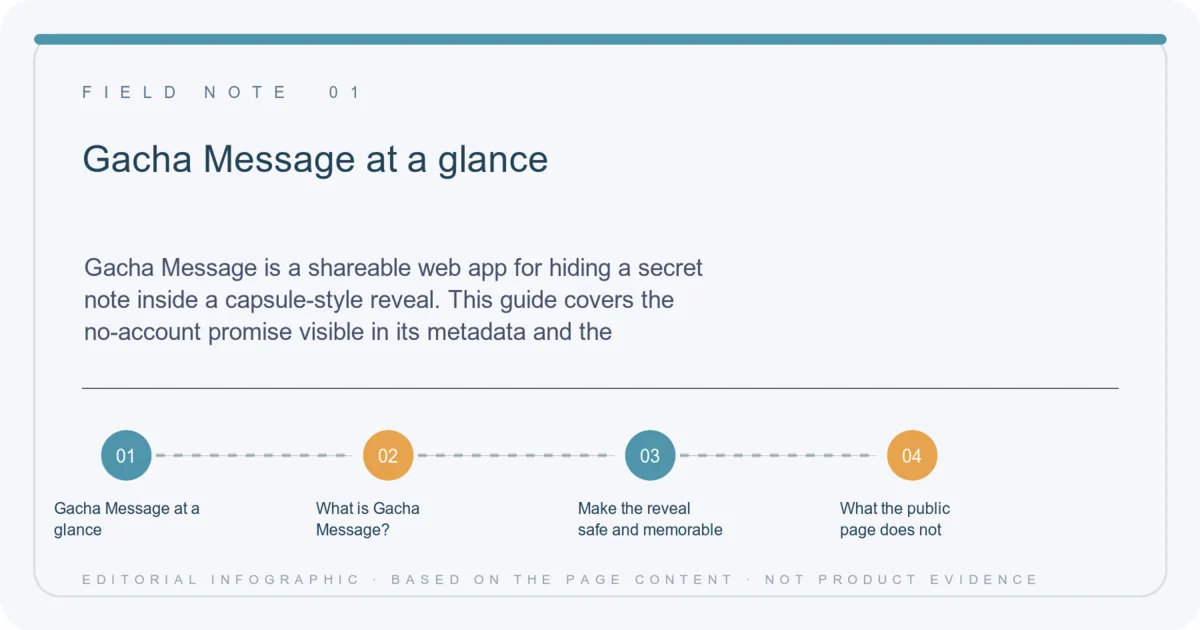
Gacha Message is a shareable web app for hiding a secret note inside a capsule-style reveal. This guide covers the no-account promise visible in its metadata and the privacy checks to make before sharing a message link.
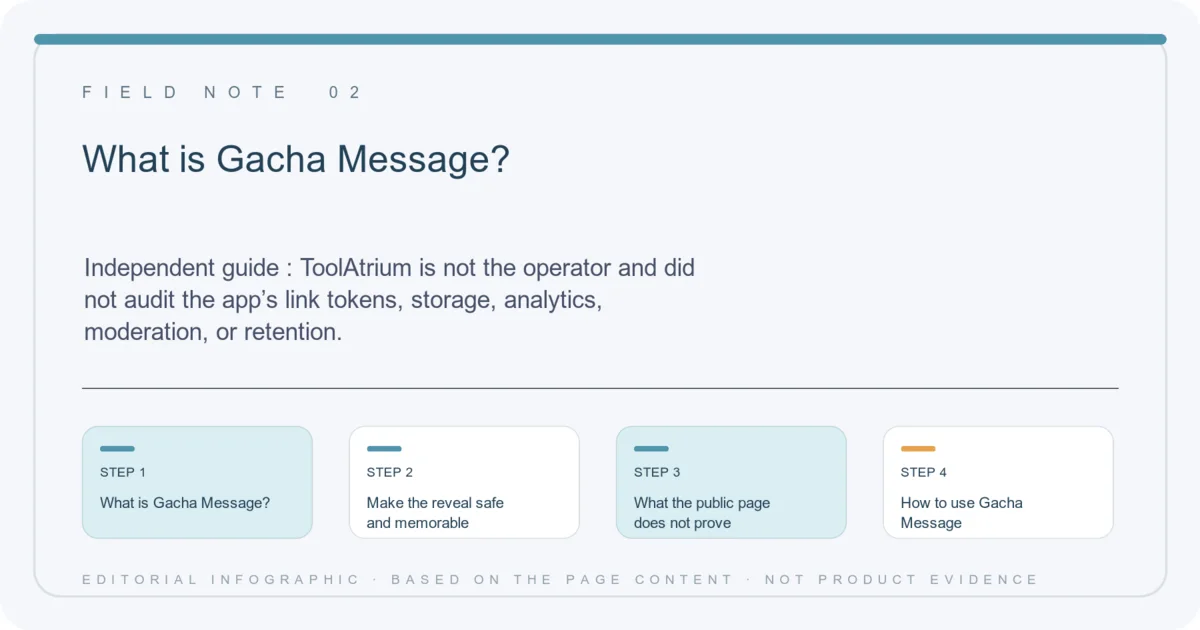
Independent guide: ToolAtrium is not the operator and did not audit the app’s link tokens, storage, analytics, moderation, or retention. Do not put secrets, credentials, or sensitive personal data into a public surprise link.
Gacha Message at a glance
- Concept
- Hide a note inside a gacha capsule reveal
- Sharing
- Link-based surprise for a recipient
- Account
- Metadata says no account is needed
- Server claim
- Metadata says no server is needed
- Safety
- Treat links as potentially shareable
Quick verdict
Gacha Message has a clear gift mechanic: a dial, a capsule, and a hidden message. Use it for low-sensitivity notes only, and preview the recipient experience before sending the link.
What is Gacha Message?
The Gacha Message Vercel app frames a secret note as a small gacha-machine reveal. Its public metadata says a sender can hide a message, share a link, and let the recipient turn a dial, pull a capsule, and discover the note.
That interaction is more like a digital surprise card than a private messenger. The no-account and no-server wording is a product claim visible in metadata, not an independent security audit.
Make the reveal safe and memorable
Write a message that still makes sense if the link is forwarded. A birthday wish, thank-you, or playful prompt is a better fit than a password, medical detail, private address, or confidential work note. Open the link in a second browser before sending to see the full reveal sequence.
If the page asks for additional permissions, credentials, or unrelated downloads, stop and reassess. A surprise animation should not require access to your mailbox, social account, or device files.
- Use a low-sensitivity message.
- Assume a copied URL may be visible to someone else.
- Test the capsule reveal before sharing.
- Never put passwords or recovery codes in a gacha note.
What the public page does not prove
A “no server” claim does not by itself reveal how link state, analytics, browser history, or cached HTML behave. ToolAtrium did not inspect the app’s generated links, cryptography, or retention model, and the public page exposes little readable copy beyond its title and metadata.
Use Gacha Message as a playful presentation layer, not as an encrypted secret-sharing system. If a note must stay confidential, use a tool with documented end-to-end encryption and a clear threat model.
Gacha Message FAQ
What does Gacha Message do?
Its public metadata describes a capsule reveal that lets someone pull a hidden message from a shareable link.
Do I need an account?
The metadata says no account is needed; ToolAtrium did not independently audit every route.
Is the message encrypted?
No encryption guarantee was independently verified. Do not use it for confidential secrets.
What should I write?
Use a kind, low-sensitivity note such as a greeting, thanks, or playful surprise.
Continue on ToolAtrium