Digital gift guide
digibouquet Vercel App: Digital Flower Bouquet Guide
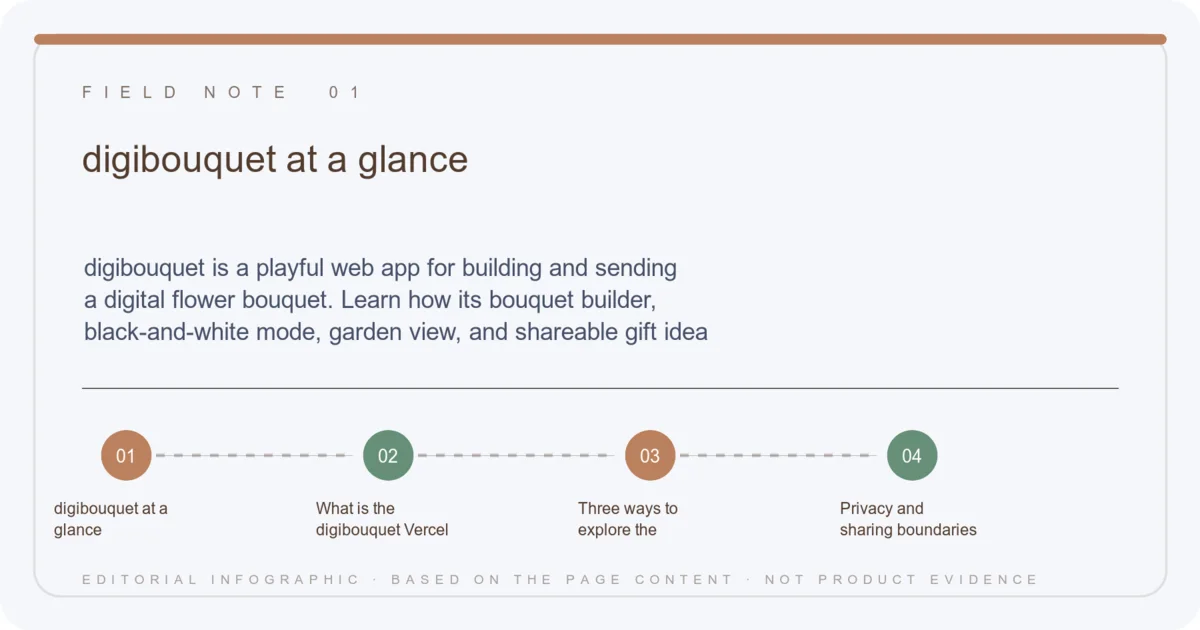
digibouquet is a playful web app for building and sending a digital flower bouquet. Learn how its bouquet builder, black-and-white mode, garden view, and shareable gift idea work.
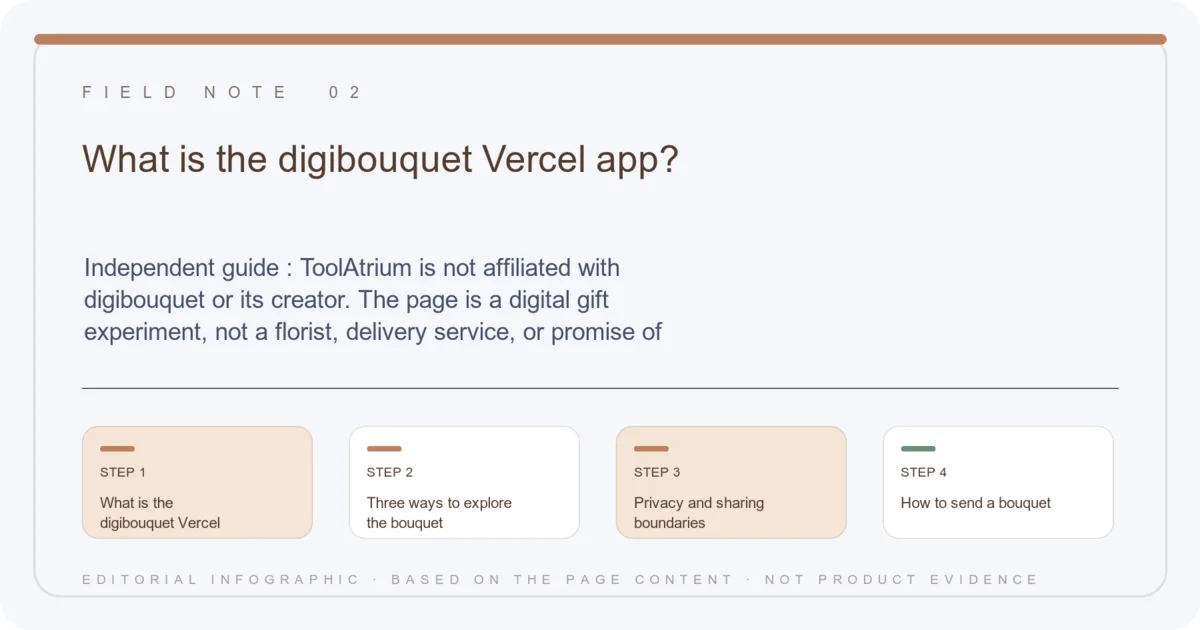
Independent guide: ToolAtrium is not affiliated with digibouquet or its creator. The page is a digital gift experiment, not a florist, delivery service, or promise of physical flowers.
digibouquet at a glance
- Format
- Interactive digital flower gift
- Modes
- Color bouquet, black-and-white, and garden
- Use case
- A lightweight message for someone special
- Creator
- @pauline_makes on the public page
- Delivery
- Digital only; no physical flower order
Quick verdict
digibouquet turns a simple bouquet metaphor into a small shareable web experience. It is best for a low-pressure digital gesture, with no expectation of physical delivery or florist fulfillment.
What is the digibouquet Vercel app?
The digibouquet Vercel app invites visitors to build a bouquet and send it digitally. Its public landing page uses a short, visual interface with Build a Bouquet, Build It in Black and White, and View Garden actions.
The concept is intentionally simple: choose an expressive arrangement, preview it, and share the result as a digital gesture. The page credits @pauline_makes and links a privacy policy, but it does not present itself as a physical flower shop.
Three ways to explore the bouquet
The color builder is the natural starting point for a traditional digital bouquet. The black-and-white option changes the mood and can work as a minimalist card, while Garden is a way to browse the wider collection or saved visual space exposed by the current build.
Because the project is visual, the final impression depends on the recipient’s screen and the app’s current asset hosting. Re-open a shared link on mobile before sending if the bouquet is part of an invitation or important message.
- Pick a color mood before adding flowers.
- Use black-and-white for a quieter visual note.
- Preview the whole bouquet on the recipient-sized screen.
- Describe it as a digital gift, not a physical delivery.
Privacy and sharing boundaries
A digital bouquet can still contain personal notes or a link that travels beyond the intended recipient. Keep the message appropriate for anyone who might receive the URL, and review the app’s current privacy policy before adding identifying details.
ToolAtrium did not audit account storage, analytics, asset retention, or the creator’s future plans. The target page is an expressive experiment, so availability and garden contents may change without notice.
digibouquet FAQ
Does digibouquet deliver real flowers?
No physical delivery is presented on the reviewed page; it is a digital flower bouquet experience.
What modes are available?
The landing page exposes a color bouquet builder, a black-and-white builder, and a Garden view.
Who made it?
The public page credits @pauline_makes.
Can I share a bouquet?
The concept is designed for a digital gift; verify the current share behavior and privacy terms before sending.
Continue on ToolAtrium